No media uploads
Photos and videos are not sent to our servers for scanning or review.
 Sensitivity

Read the Android beta privacy policy. The Apple-specific details below apply to the iPhone, iPad and Mac apps.
 Privacy Policy
Scanning happens on your device. You review the results and choose what to keep or delete.
Last updated: October 24, 2026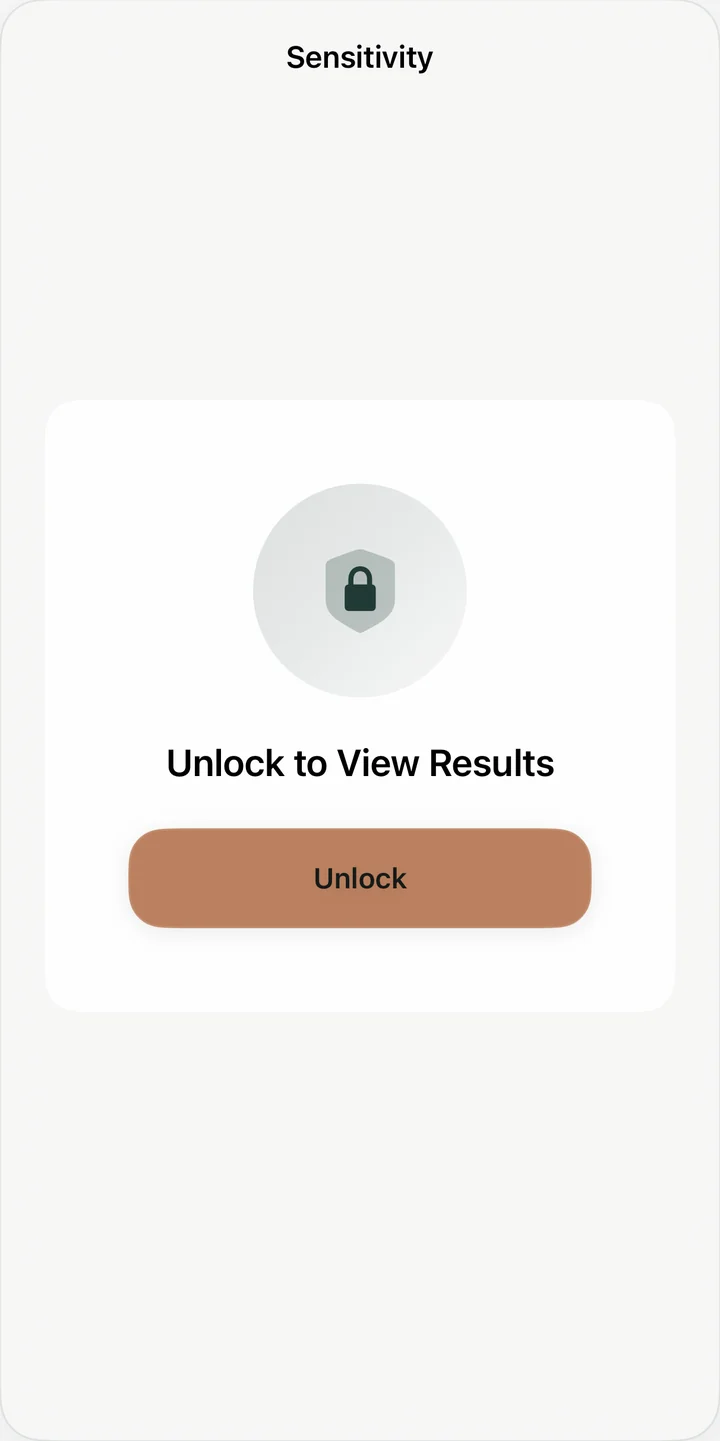
Photos and videos are not sent to our servers for scanning or review.
You can use the app without sign-in, profiles, or a cloud dashboard.
Analytics never include photos, videos, media identifiers, filenames, albums, thumbnails, or detected-item lists.
If an item is only in iCloud, Photos may download it to your device for scanning.
Results and scan state are stored on your device, not in our cloud.
Sensitivity helps you scan, review, and clean sensitive photos and videos on your device. The app is designed so your media stays on your device during scanning and review.
Sensitivity asks for access to your Photos library so it can inspect media you choose to scan. Photos and videos are not uploaded to our servers for analysis.
If a photo or video is stored in iCloud and not already available locally, Sensitivity may allow Apple Photos to download that item to your device so it can be scanned. This uses Apple’s Photos and iCloud infrastructure; the media is not uploaded to Sensitivity servers. You can turn off iCloud downloads in the app’s Scan Options.
Scanning runs locally using on-device models and system media APIs. The app does not require an account and does not create a cloud dashboard for your library.
Sensitivity is designed to keep media contents out of the developer's servers during classification and review, reduce casual access to saved results with device authentication, and prevent automated deletion by leaving every action to the user.
It is not designed to protect a device that is already unlocked or compromised, replace the security of Apple Photos or iCloud, or guarantee that every sensitive item will be found. On-device detection can produce false positives and false negatives. If an item is stored only in iCloud, Apple Photos may download it to the device before local scanning.
Sensitivity stores local identifiers for detected items so you can return to scan results. Saved results are protected with Face ID, Touch ID, or your device passcode when available.
Sensitive result identifiers are saved in the device Keychain using this-device-only protection while the device is unlocked. Scan summaries, scan history, partial scan progress, result categories, unsupported-video entries, reminder flags, and app settings are saved locally in the app’s UserDefaults. The app does not store copies of your photos or videos, and these local records are used to restore scan state and protect access to results.
Video scanning is unlocked through Apple in-app purchase. Purchase and restore flows are handled by Apple. Sensitivity keeps a local unlock flag and purchase date on your device so the app can remember that video scanning is available.
Starting with version 2.1, Sensitivity uses Amplitude for basic app usage events and Firebase for performance measurements, device diagnostics, and crash reports to improve onboarding, scanning reliability, background scanning, settings, purchase screens, and app stability. These reports do not include photos, videos, media identifiers, filenames, album names, thumbnails, detection scores, personal accounts, or lists of detected items. Analytics, performance data, and crash reports are not used for tracking or advertising.
Earlier versions use Firebase Analytics for basic usage events. In version 2.1 and later, you can turn off Share Usage Analytics in Settings. Turning it off stops new Amplitude events, cancels pending delivery, clears locally queued events, and resets the app-generated analytics identifier. It does not erase events already received by Amplitude. Photos, videos, filenames, and detection results are never included in Amplitude events. Development and TestFlight activity is kept separate from App Store activity.
Questions
For privacy questions or data-access concerns, email hello@sensitivityscan.com. Include your device model, system version, app version, and a short description of the issue. You do not need to send personal photos or videos.
Read support notesThe photo-privacy checklist works without an account or photo access. Its checked steps stay on the page unless you choose “Remember progress in this browser.” If you choose to save, this website stores only checklist step identifiers and an expiry time in your browser’s local storage. They are not sent to Sensitivity or included in website analytics.
Saved progress expires 30 days after your last saved change and is removed when you next open the checklist. Anyone using the same browser profile could see it. Unchecking “Remember progress” removes the saved checklist record. This choice is separate from analytics consent.
Website analytics uses Amplitude and Google Analytics and starts by default. It records public page views and fixed feature actions, with browser identifiers to measure sessions and return visits. Account details, search text and private product content are excluded. You can turn analytics off with the footer control. Saved refusals, Do Not Track and Global Privacy Control are respected.