What Sensitivity does
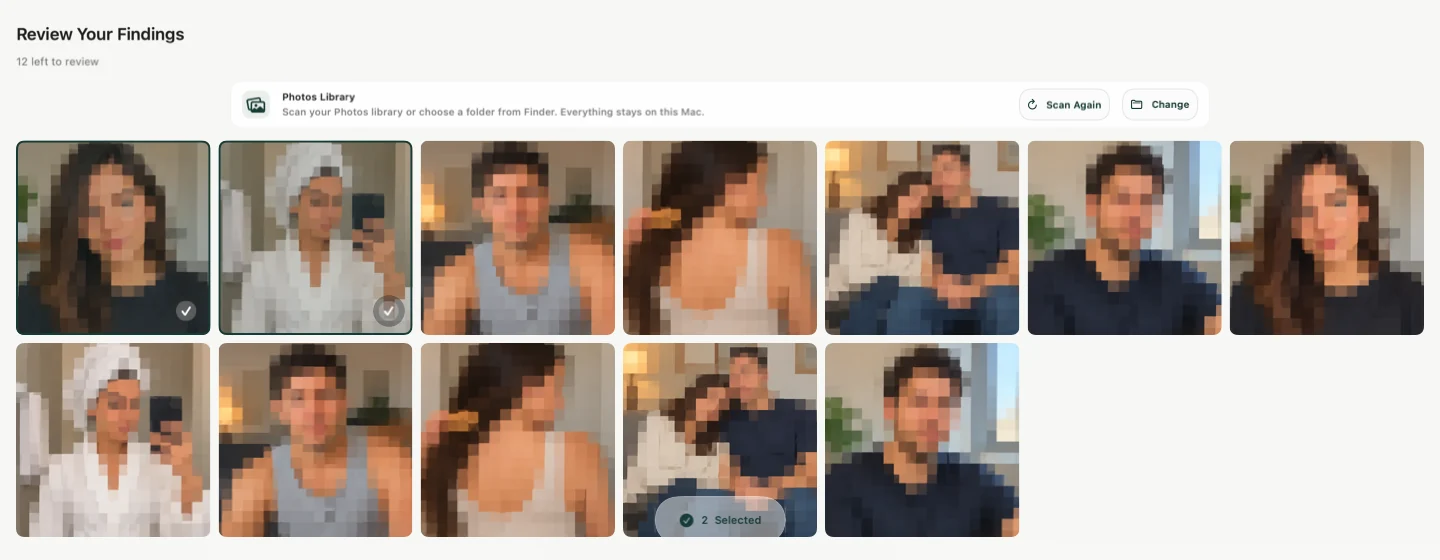
Sensitivity scans an Apple Photos library for likely explicit photos and videos so a person can review forgotten items before showing their library or sharing their screen. On Mac, it can also scan a selected Finder folder.
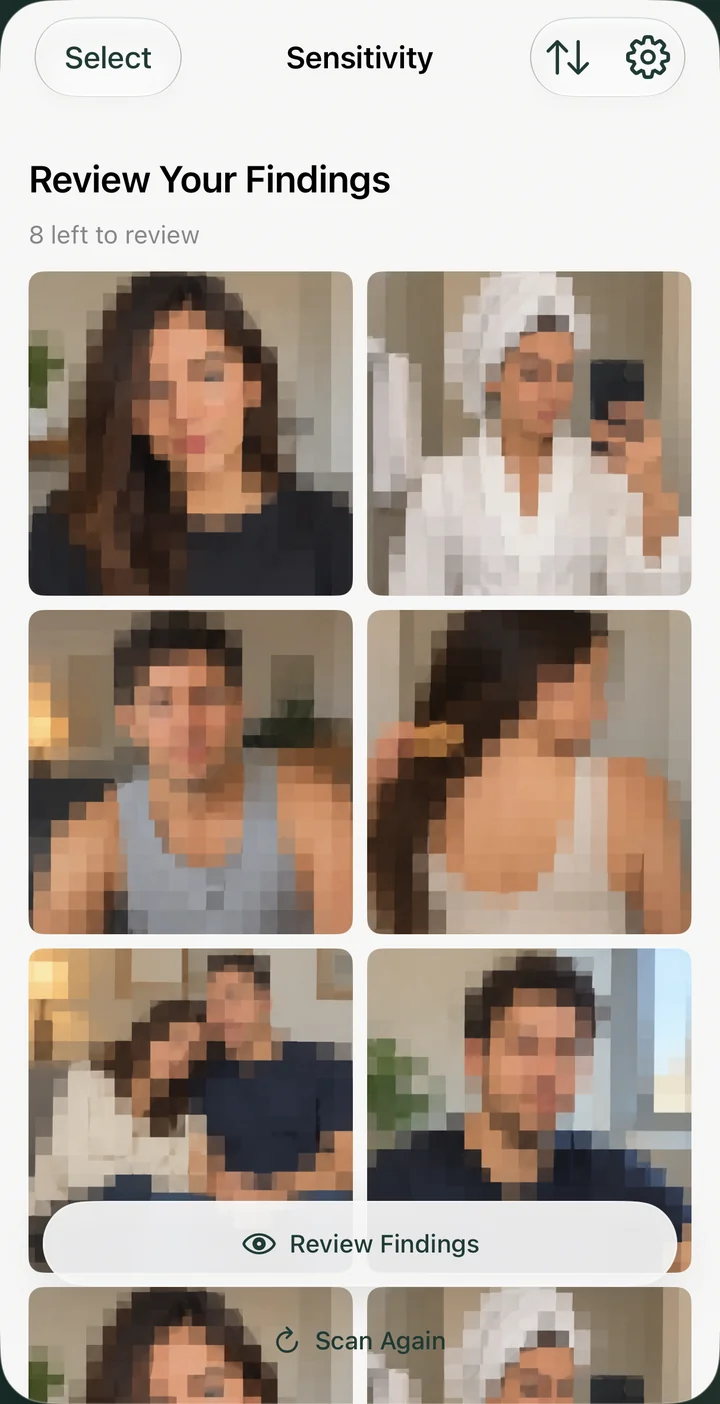
The app creates a review queue. It does not claim certainty, decide what is private, or delete anything automatically.
Trying Sensitivity on a Mac? Read the Mac guide to scanning Photos or a Finder folder, including what to check before sharing a folder.
Privacy and product boundaries
- Photo and video classification runs on the device.
- Media is not uploaded to Sensitivity servers for analysis.
- No Sensitivity account or cloud dashboard is required.
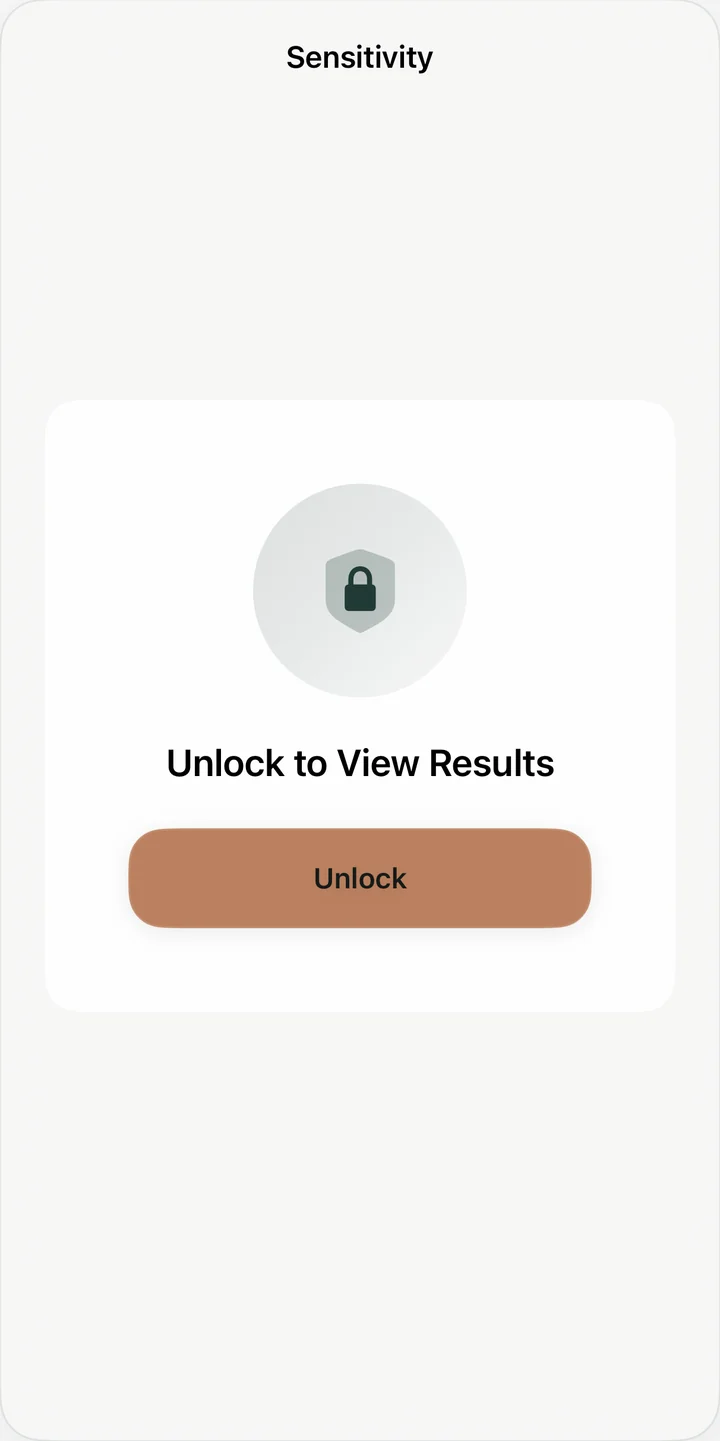
- Review results remain behind device authentication.
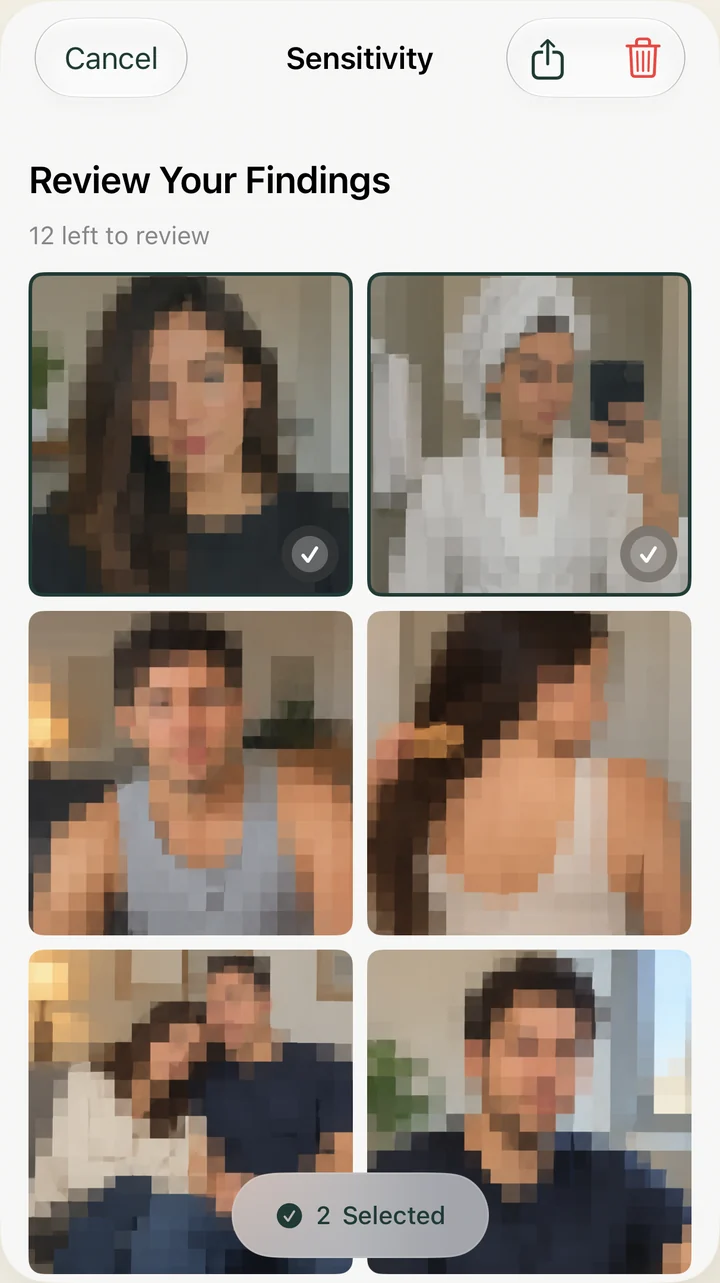
- The user chooses what to hide or delete.
- Automated detection can produce false positives and miss items.
Limited aggregate usage, purchase, performance, diagnostic, and crash data may be collected. It excludes media contents, filenames, album names, thumbnails, detection scores, and detected-item lists. See the complete privacy policy.
Availability and pricing
Sensitivity is available on iPhone, iPad, and Mac. Photo scanning is free. Full video scanning is offered as a one-time in-app purchase handled by Apple; there is no subscription.
View Sensitivity on the App Store
Developer
Sensitivity is independently designed and developed by Dmytro Polianskyi. The app focuses on a narrow problem: Apple already provides ways to hide and delete media after a person finds it, while Sensitivity helps surface likely items they may no longer remember.
24-second iPhone demo
Scan. Review. Choose what to hide.
Watch Sensitivity scan a small demo library, find a photo for review, and move it to Hidden in Photos.

Photo scanning is free. Video scanning is an optional one-time purchase.
Detection can miss items or flag harmless content. Review every result.
See the review workflow
These app screenshots use fictional sample photos. They illustrate scanning, protected review, and choosing what to delete.
Downloadable assets
Open an image to download it, or use the links below for other sizes and devices.